
The technical error 45 at Caisse d’Épargne corresponds to a transaction rejection related to a hardware or software malfunction of the bank card. Contrary to what the situation might suggest, this code does not indicate insufficient funds. The account may be perfectly funded, yet the payment is still refused by the terminal.
6-digit code and cascading block at Caisse d’Épargne
Since 2026, Caisse d’Épargne has imposed a new rule: a 6-digit access code for certain services, with a mandatory update via the mobile app. If this update fails (outdated security details, smartphone change, unfinished code), access to accounts may be blocked.
This blockage is not limited to the app. It can cause technical refusals on everyday banking operations, including card payments. A customer whose security profile is not up to date may therefore face an error 45 at the terminal, even though their card and account are functioning normally otherwise.
Before looking for a hardware issue with the card, it is essential to check that the migration to the 6-digit code has been completed. This step is done directly in the Caisse d’Épargne app, under the security settings section. If the process is pending, completing the code update may sometimes unblock transactions.
Customers who encounter a technical error 45 at Caisse d’Épargne after changing their phone are particularly affected by this scenario.
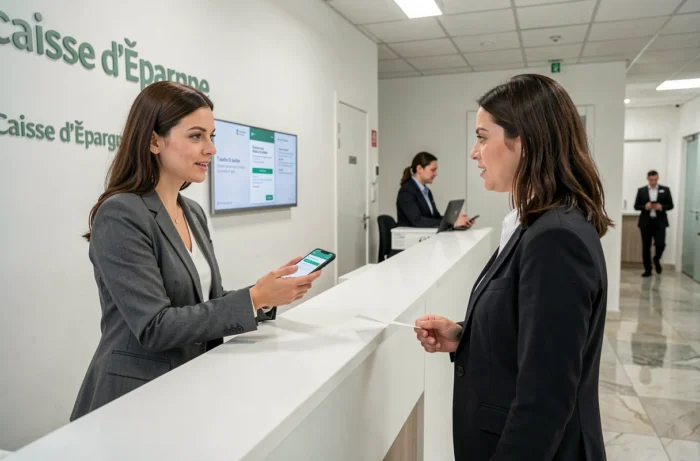
Silent card: when the chip no longer responds to the payment terminal
In most cases, error 45 indicates what banking professionals call a silent card. The golden chip, used every time it is inserted into a terminal, eventually wears out. The micro-contacts oxidize or scratch over time, making reading impossible.
The terminal attempts to read the security information stored on the chip. If it fails on the first attempt, it rejects the transaction with an error code, often 45. The account is not at fault; the card is.
Distinguishing a worn chip from a faulty terminal
A quick test can clarify the situation. Go to an ATM. ATM readers are more powerful than those of in-store payment terminals. If the withdrawal works at the ATM but the payment is refused at the checkout, the chip of the card is at the end of its life.
If the withdrawal also fails at the ATM, the problem is deeper: a block on the bank’s side, an expired card, or an active opposition on the account. In this case, only contacting customer service will identify the exact cause.
Clean the chip before requesting a replacement
A gentle cleaning of the chip with a dry cloth can temporarily restore contact. Greasy deposits (from fingers, wallet) create an insulating layer between the chip and the reader. If cleaning resolves the issue, the card remains functional. If the rejection persists, a new card must be requested from the branch.
Error 45 on the mobile app or during a transfer
The technical error 45 does not only appear on payment terminals. Some customers also encounter it in the mobile app or online space, particularly during a transfer or account consultation.
This context is different. The problem no longer comes from the physical card, but from a technical incident on the server side or an authentication conflict. In August 2026, for example, an authentication outage affected the digital services of Caisse d’Épargne, preventing thousands of customers from accessing their accounts for several days.
When error 45 occurs in the app, three checks are necessary:
- Is the app version up to date? An outdated version can generate communication errors with the bank servers, especially after a security update deployment.
- Has the app cache been cleared? On both Android and iOS, corrupted temporary data regularly causes technical display errors.
- Is the network stable? An intermittent connection can interrupt an ongoing operation and trigger an error code, whereas the operation would have succeeded on a reliable network.
If these three points are checked and the error persists, the problem is likely on the bank’s side. Consulting social media or outage tracking sites can confirm if other customers are experiencing the same situation at the same time.
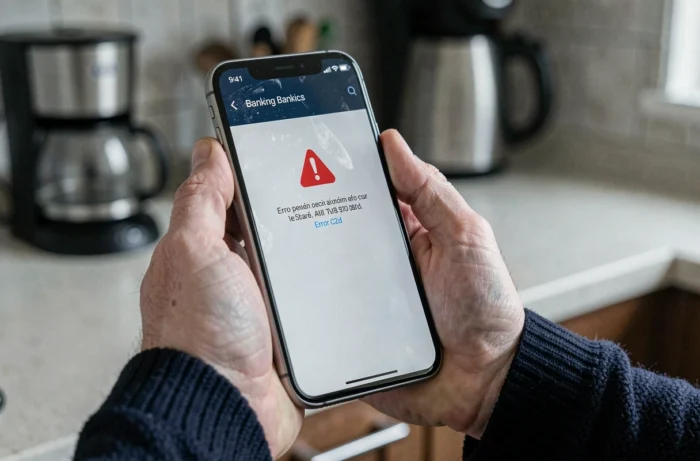
Steps to take with Caisse d’Épargne when the error persists
When cleaning the chip, updating the app, and finalizing the 6-digit code have not changed anything, direct contact with the bank remains. Two channels should be prioritized based on urgency.
- Customer service by phone allows for real-time diagnostics. The advisor can check if an automatic opposition has been placed on the card (code 045 in the internal system), if a payment limit has been reached, or if a security block is active.
- Visiting the branch is preferable for a card replacement. Manufacturing usually takes a few business days. In the meantime, contactless payment via smartphone (Paylib, Apple Pay) remains functional if the card is registered in the digital wallet, as these payments do not depend on the physical chip.
- For customers whose card is subject to an opposition 045, only the branch can lift the block after identity verification. This type of opposition is often triggered automatically by the anti-fraud system.
One point to keep in mind: a repeated error 45 on several different terminals, combined with normal operation at the ATM, almost systematically points towards a card replacement. There is no need to multiply attempts in-store; each rejection is recorded and may eventually trigger an additional preventive block on the bank’s side.